Presentation Training for Engineers: Skills That Carry Technical Work Across the Table

Engineering firms depend on technical credibility, yet the people who hold that credibility are often asked to present with little preparation. A principal engineer may have decades of experience and still struggle to convey the core idea of a recommendation in a ten-minute slot. Presentation training gives engineers a framework for making their reasoning visible and easy to follow, whatever the topic or audience.
Analyze the Audience First
Before writing a single slide, engineers should list who will attend, what they already know, and what decision they need to make. A board of elected officials needs context and consequences. A design team needs details and constraints. Training uses a short worksheet for this step, and participants find that it changes both the content and the order of the talk. The audience analysis also reveals what can be left out.
Structure for Clarity
A reliable structure helps technical presenters stay on track. A common pattern is the problem, the options considered, the recommendation, and the next steps. Each section has a time budget. Training also teaches signposting, which means telling the audience where the talk is going and where it currently stands. These small verbal cues help listeners who are less familiar with the subject keep up.
Explain in Plain Language
Jargon creates distance. Training exercises have engineers explain a concept to a person outside the field, then refine the explanation until it works. Participants learn to replace acronyms with short descriptions, define terms the first time they appear, and use concrete examples. Plain language does not reduce accuracy. It makes the same accuracy accessible to more people, and it signals confidence in the material.
Design Slides That Support the Talk
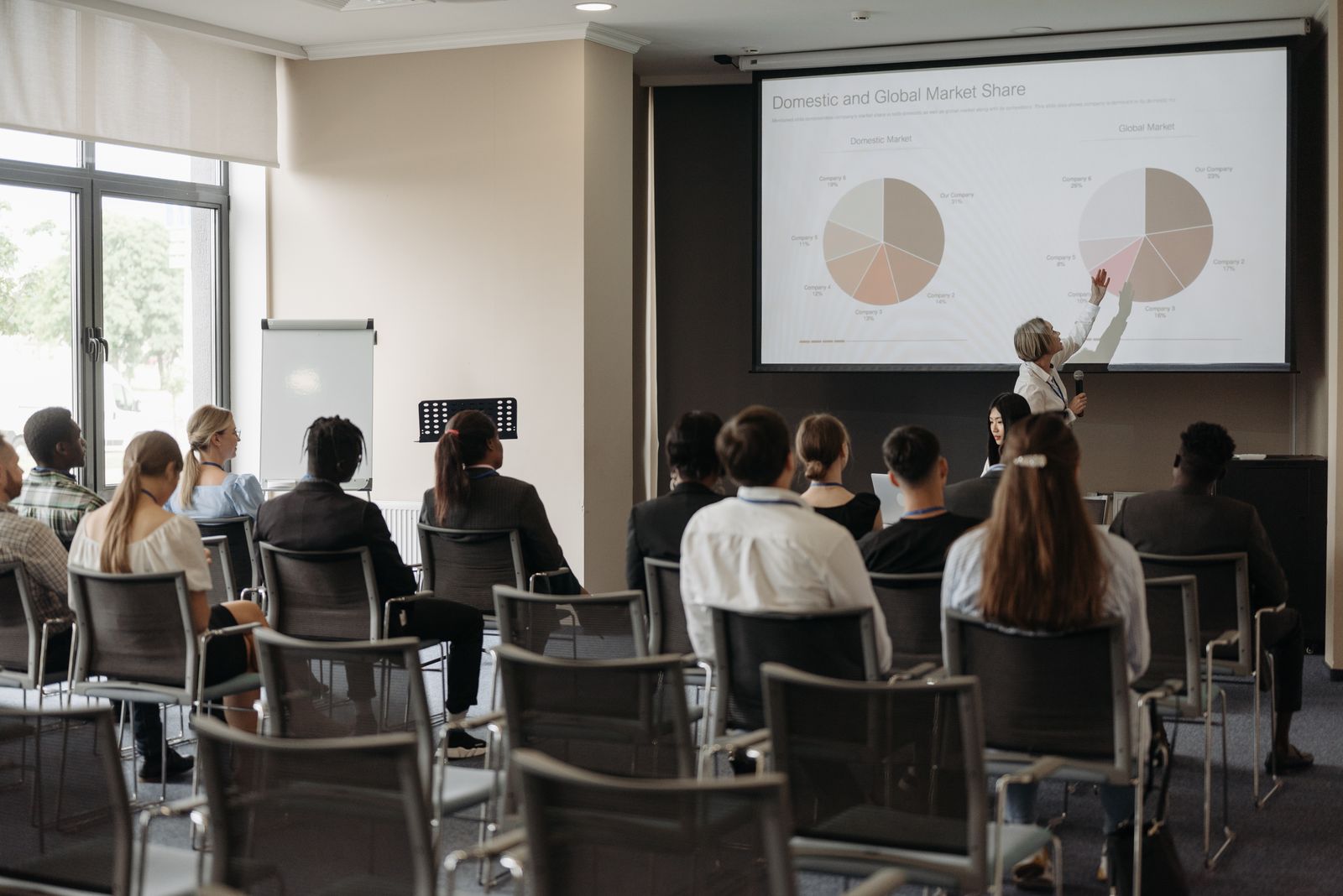
Engineers often create slides as documents, with full sentences and detailed tables. Training reverses this by treating slides as visual aids. Each slide carries a single claim, with a chart or image that supports it. Participants learn how to simplify graphs, choose readable fonts, and use animation sparingly. Reference material moves to an appendix, which can be shared after the meeting.
Rehearse and Review
Rehearsal with a peer or coach is where skills take hold. Participants deliver their talk, receive specific feedback, and repeat the weak sections. Recording helps them notice habits such as speaking too quietly, turning toward the screen, or filling pauses with sounds. Coaches encourage engineers to make two or three changes at a time, so practice feels manageable and improvement is visible.
Apply Skills to Real Meetings
Presentation skills apply well beyond formal interviews. Progress updates, design reviews, public meetings, and internal briefings all benefit from the same structure and clarity. Training programs encourage participants to use the techniques in their regular work and to share results with the group. This reinforces learning and shows managers that the investment affects day-to-day performance.
The Bottom Line
Engineers who receive presentation training learn to move from data to decision with a clear structure, plain language, and visual support. The skills improve interviews and client meetings, and they also make internal collaboration smoother. Firms that provide this training help their technical staff share expertise in a form that others can use, which strengthens the firm's reputation for clear thinking. Managers can support the effort by scheduling short practice slots into project calendars and by presenting alongside their teams. When senior engineers show that they also rehearse and accept feedback, junior staff follow the example, and the whole group improves more quickly than any single workshop could achieve. Over time, a firm that trains consistently builds a shared standard for how its engineers present, so clients experience the same clarity whichever team member appears in front of them.